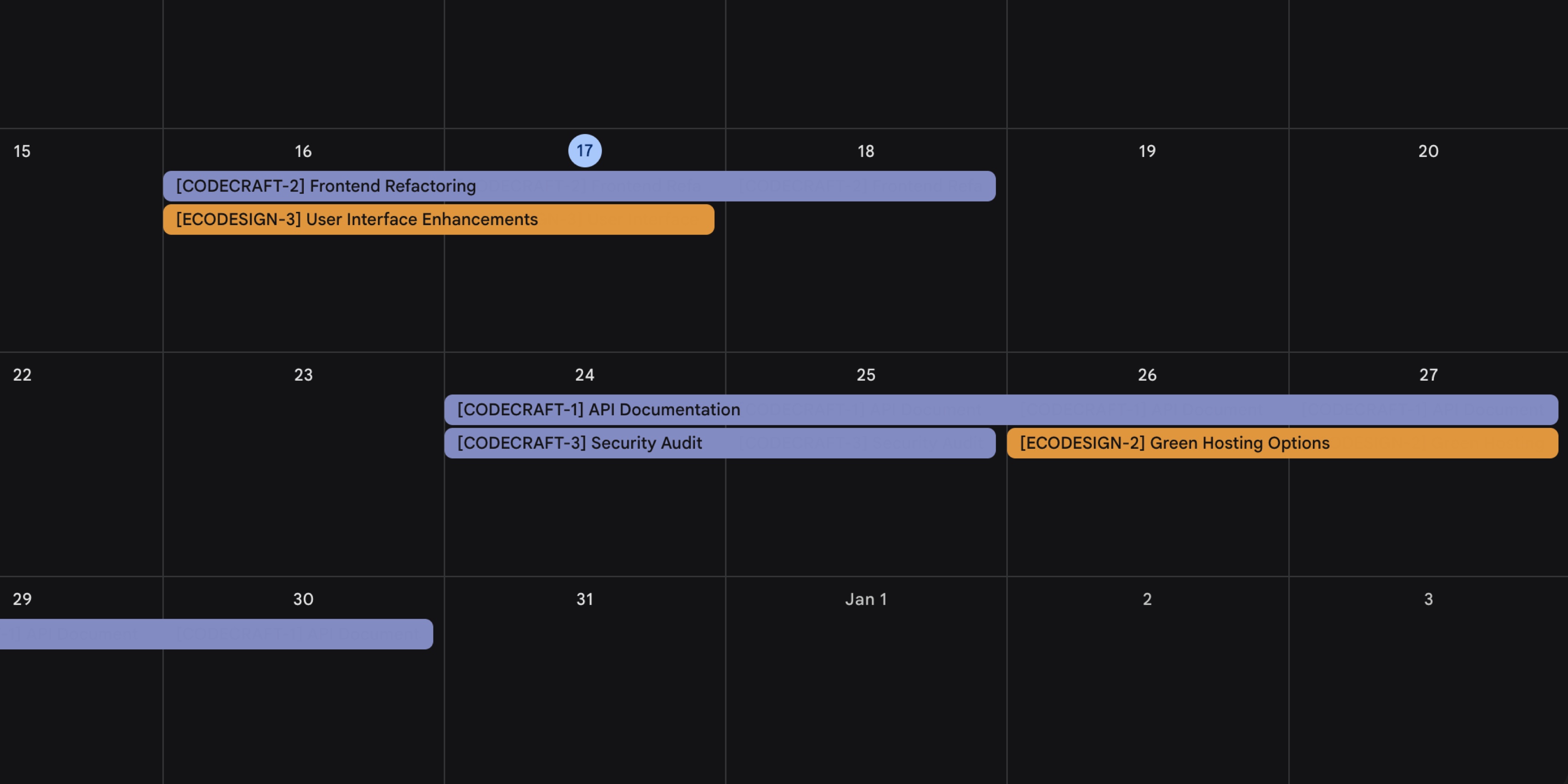
We're thrilled to release one of our most highly requested features - Google Calendar integration! This powerful new integration bridges the gap between your project management and your daily schedule, keeping everything in perfect sync.
No more switching between apps to check due dates or missing important dates because they're scattered across different tools. With Google Calendar integration, your t0ggles tasks and calendar events work together seamlessly, automatically updating each other as changes happen.
Whether you're planning project timelines, tracking due dates, or scheduling meetings, this integration ensures your calendar reflects your actual project work and vice versa. It's project management that finally plays nice with your schedule.
Available now in Board Settings → Services, the integration is configured per board with flexible options for each project.
#Two-Way Sync
Configure two-way synchronization between your tasks and calendar events:
- Create events when tasks are created - Tasks with due dates automatically sync to Google Calendar as events
- Create tasks when calendar events are created - New calendar events automatically create tasks in your projects
Changes stay in sync both ways:
- Updates to task titles or dates are reflected in calendar events
- Updates to calendar events are reflected in linked tasks
- All board members see the synced information
#Per-Project Configuration
Each project can link to a different Google Calendar:
- Connect your Google Calendar account in Board Settings
- For each project, select which calendar to sync with
- Choose sync preferences (both ways, tasks→calendar, or calendar→tasks)
This flexibility lets you organize different types of work with different calendars - for example, link client projects to a work calendar and personal projects to your personal calendar.
#Getting Started
- Go to Board Settings → Services
- Scroll to the Google Calendar section
- Click Connect Google Calendar and authorize access
- For each project, select a calendar and configure sync preferences
Only board owners can configure the integration, but all board members benefit from the synced information.
For detailed setup instructions and examples, see the documentation: Google Calendar Integration