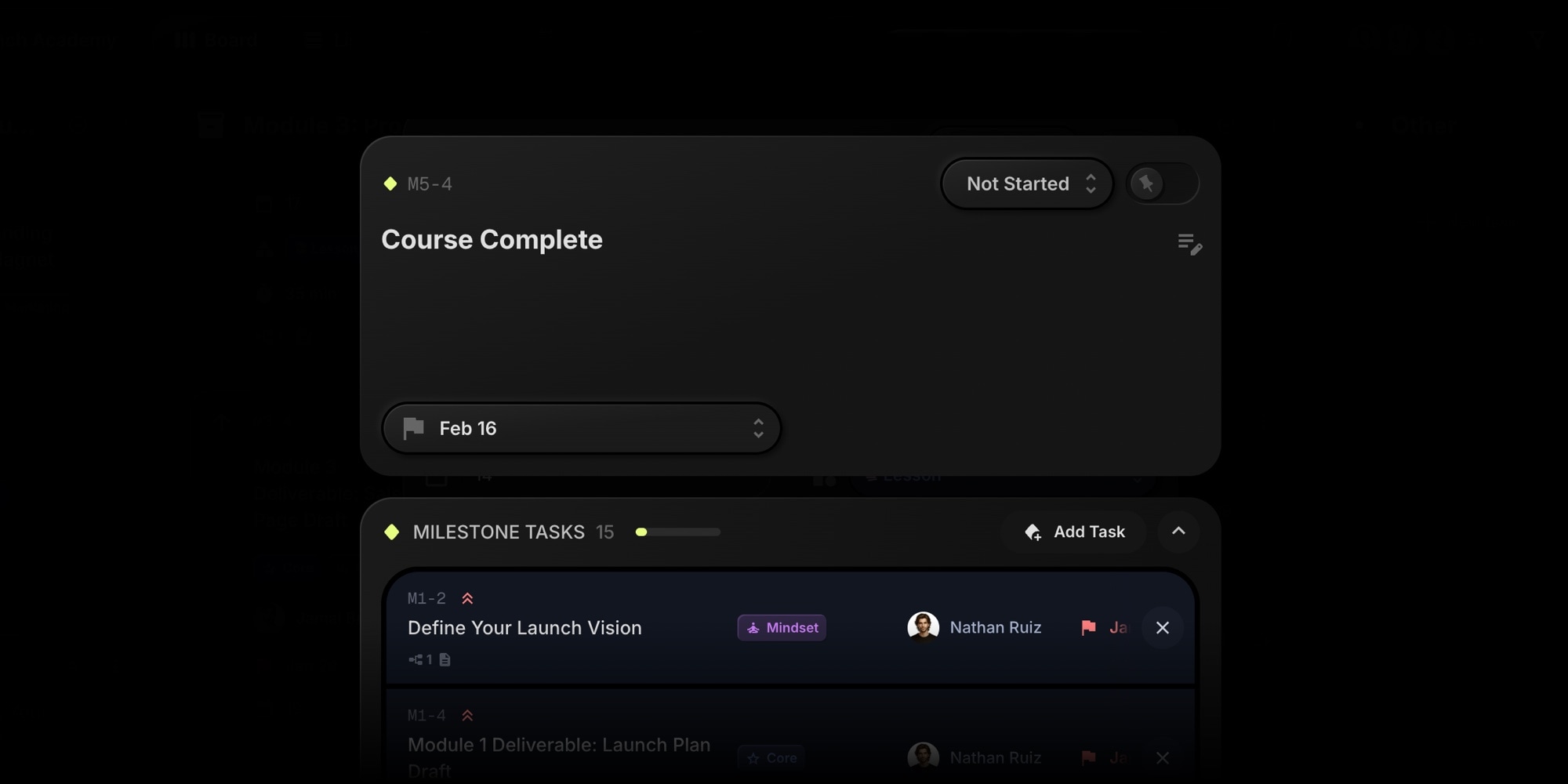
Milestones are here. Now you can group related tasks under a single goal and watch your progress in real time.
#What Are Milestones?
Milestones are a special task type designed for tracking project goals. They display a diamond icon and show a progress bar based on how many linked tasks are completed.
- Visual progress tracking - See completion percentage at a glance on milestone cards
- Linked task counts - Know exactly how many tasks are done vs remaining (e.g., "5/8")
- Simplified fields - Milestones focus on the goal, not the details. No priority, assignee, or start date clutter
- Flexible placement - Drag milestones between columns like regular tasks
#How To Create A Milestone
- Open any task and click the menu (three dots)
- Select "Convert to Milestone"
- Start linking tasks to track progress
You can also convert a milestone back to a regular task anytime.
#Linking Tasks
There are two ways to link tasks to a milestone:
- From a task - Open the task menu and select "Add to Milestone"
- From a milestone - Open the milestone details and click "Link Task" in the Milestone Tasks section
Each task can belong to one milestone at a time. Subtasks inherit their parent's milestone.
#Milestone Progress In Reports
The Reports view now includes a dedicated Milestone Progress section showing all your milestones at a glance:
- Summary stats - Total milestones, at-risk count, completed count, and average progress
- At-risk detection - Milestones due within 7 days with less than 80% progress are flagged
- Progress bars - Visual completion status for each milestone
- Export support - Include milestone data in CSV and PDF report exports
Click any milestone in the report to jump directly to it on the board.
#Why Milestones Matter
Whether you're shipping a product release, completing a sprint, or delivering to a client - milestones give your team a clear target. Instead of scrolling through task lists to gauge progress, one look at the milestone card tells you where you stand.
For project managers and team leads, milestones add a layer of visibility that keeps everyone aligned. For agile teams running sprints, they're a natural fit for tracking sprint goals.
#Getting Started
Milestones work in Kanban and List views. Create your first milestone by converting an existing task, then start linking related work.