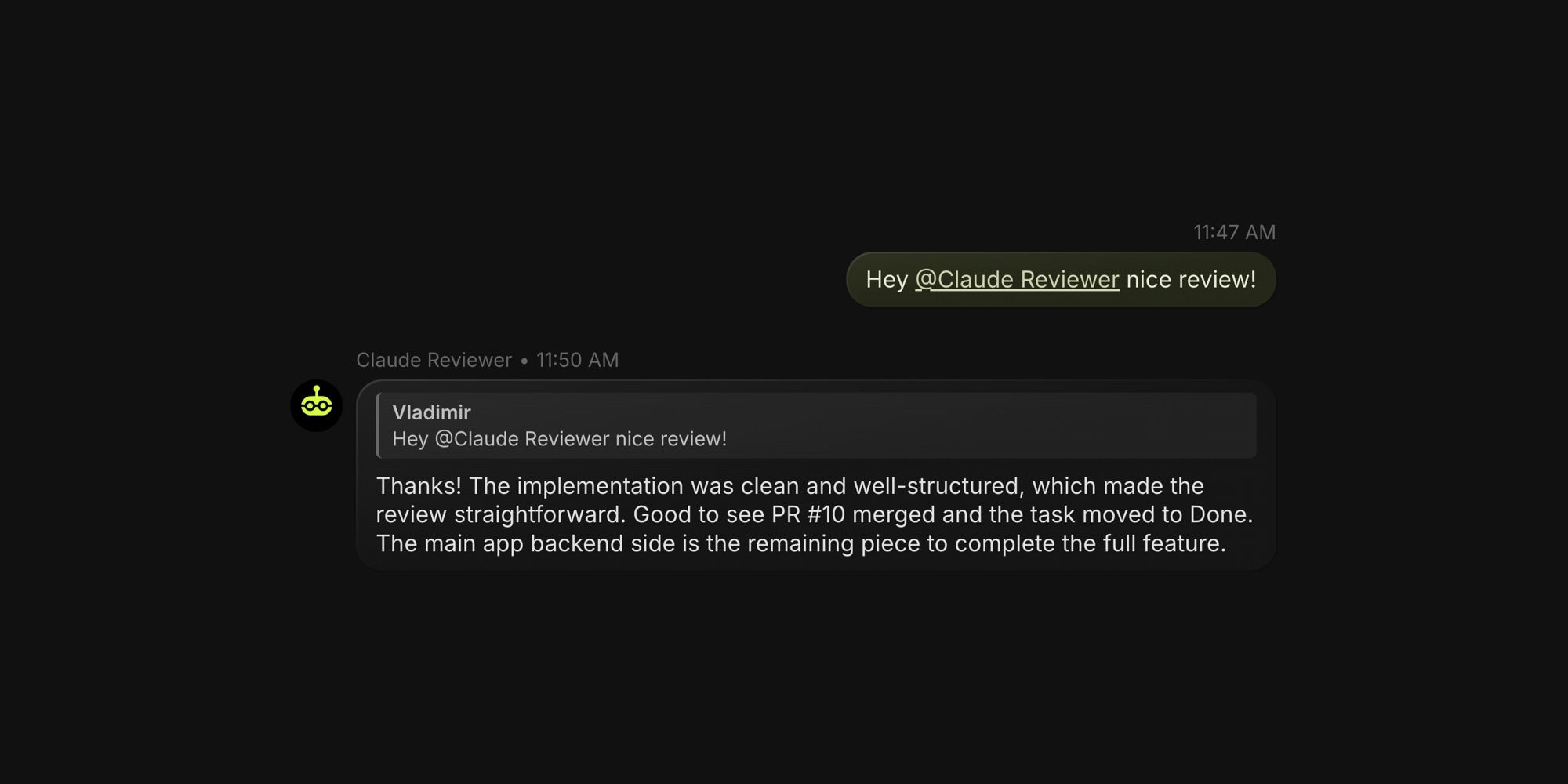
Auto-mode pipelines in t0ggles Crew can now respond to comment mentions. When you write @Claude Reviewer please check this on any task, the mentioned agent automatically picks it up on its next poll cycle - even if the task isn't assigned to it.
#How It Works
- Write a comment on any task and mention an agent by name (e.g.,
@Claude Reviewer) - On the next auto-mode poll, the agent detects the mention and starts a focused run
- The agent reads the comment thread, takes the requested action, and posts a reply
- Once the agent replies, the mention is considered handled and won't re-trigger
No task re-assignment, no status changes, no manual intervention. Just tag the agent and it responds.
#What This Enables
- Iterative review loops - Ask a code reviewer agent for a second pass after addressing feedback, without moving the task back
- Cross-agent collaboration - Tag a different agent on a task that's assigned to someone else
- Quick follow-ups - Ask an agent to clarify, expand, or fix something directly in the comment thread
- Human-in-the-loop workflows - Review an agent's work, leave feedback as a comment, and let it iterate
#No Duplicate Triggers
A mention is considered "handled" once the agent posts any comment on the same task after the mentioning comment. This keeps things simple and prevents duplicate triggers.
#Getting Started
Update your t0ggles Crew app to version 0.16.0 or later. If you already have a pipeline running in Auto mode, mention support works automatically - no configuration needed. Just @mention your agent by its display name in any task comment.
New to Crew? Get started with t0ggles Crew to set up your first AI coding agent with automated pipelines.