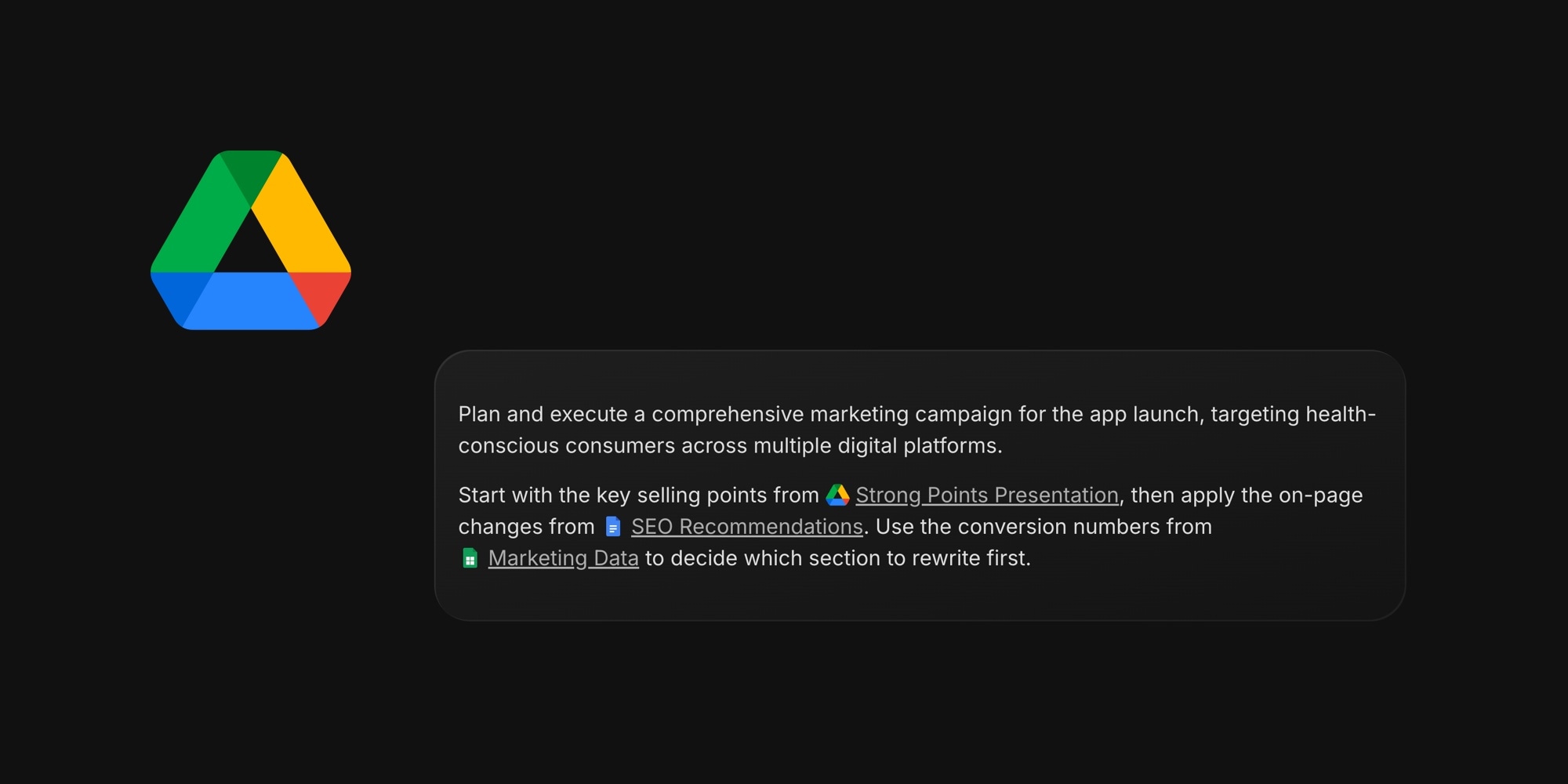
Specs live in Google Docs, numbers in Sheets, decks in Slides - and until now they all looked the same in a task: a long, unreadable URL. Paste a Google Drive link into the editor and t0ggles now turns it into a clean inline preview with the file type icon and name.
#How It Works
- Just paste - a Drive link becomes a preview instantly, no setup or account connection needed
- Every file type gets its icon - Docs, Sheets, Slides, Forms, folders, and files are each recognized from the link itself
- File names appear automatically - for files shared with "anyone with the link", the real file name shows up in place of the URL
- Works inline - drop a link mid-sentence and the text stays readable, in task descriptions, notes, and comments
- Quick actions - select a preview to open the file, refresh its name, or remove it
And a small editor bonus that pairs well: Cmd/Ctrl+click any link in the editor - including these previews - opens it in a new tab, while a regular click keeps editing.
#Why This Matters
Most teams split their work across tools: planning in a task manager, documents in Google Drive. Readable file references keep that split painless - anyone scanning a task sees at a glance which spec, dataset, or deck it depends on, without clicking through mystery URLs. It is the same idea behind our Figma previews, now for the files your team actually writes in.
#Getting Started
- Copy a link to any Google Doc, Sheet, Slide, Form, file, or folder
- Paste it into a task or note description
- That's it - the preview appears with the file icon and name
Explore more ways to connect your tools on the integrations page.