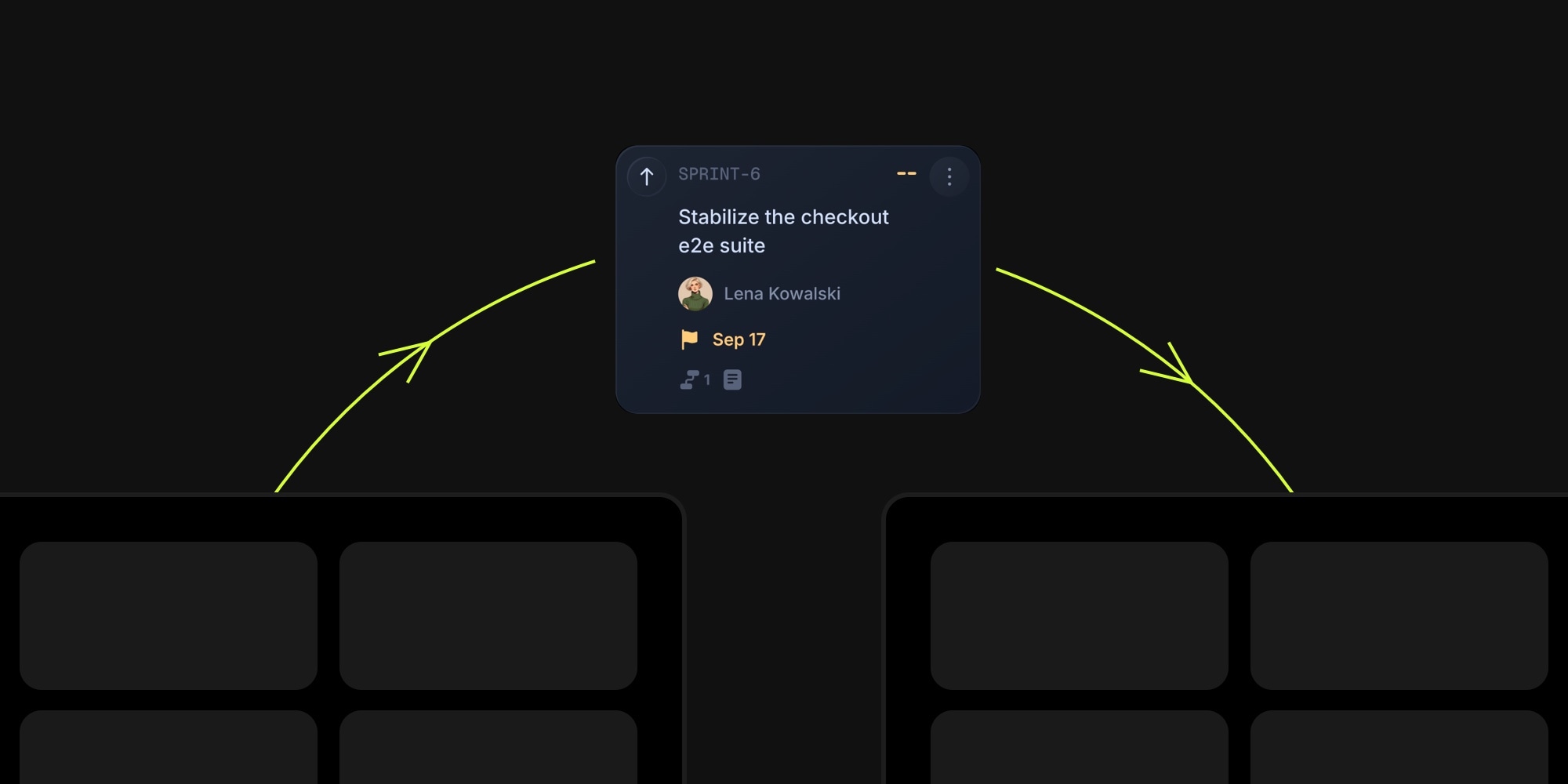
A task that landed on the wrong board no longer needs to be recreated. Open it, choose Move To Board from the three dots menu, pick the destination board and project, and move it - with everything attached.
#How It Works
- Board and project: choose any board where you are a member and a project on it. No admin rights needed
- Everything travels: same-project subtasks, comments, reactions, attachments and cover image, time entries, reminders, and the full change history move with the task
- Automatic mapping: statuses, tags, and properties are matched by name on the destination board, so most moves are just board, project, and Move. Only the values the task actually uses are shown, and you can adjust any of them
- Clear about changes: the modal lists what the move will clear before you confirm - a non-member assignee, dependencies to tasks that stay behind, a milestone link, or a GitHub link
- Real-time: teammates with either board open see the task leave and arrive without a refresh
- Open in one click: the "Task Moved" notification links straight to the task on its new board
Moving a project to another board got the same upgrade under the hood: time entries, reminders, reactions, and change history now follow the tasks, and the search index moves with them.
#Getting Started
- Open a task and click the three dots menu
- Choose Move To Board
- Pick the destination board and project, check the mapping, and click Move Task
Read the Move Task To Board docs for the full list of what moves, what changes, and what is removed.