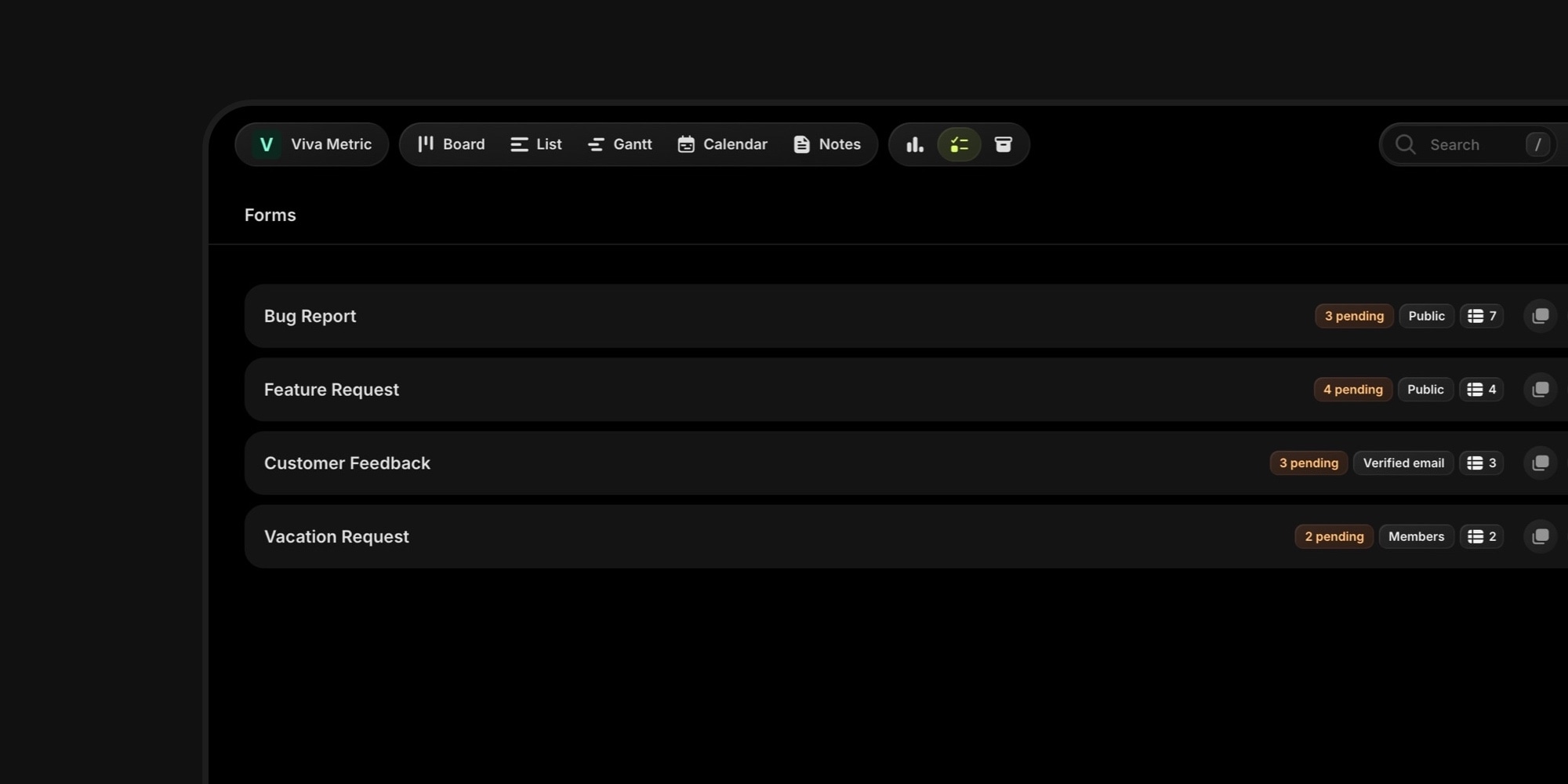
Your board now has a front door. Board Forms collect requests from anyone - clients, users, teammates - and turn every submission into a task that is already routed to the right project, tags, and priority.
#How It Works
- Form builder with a live preview: nine field types including file uploads, drag to reorder, custom logo, title, and success screen
- Field mapping routes answers into task fields - project, tags, priority, status, dates, and custom properties; unmapped answers land in the task description
- Access modes: public (invisible Turnstile bot protection), verified email (6-digit code), or members-only - submitters never need a t0ggles account
- Approval queue: pending submissions create no task until you approve; bulk approve/decline, CSV export, and live-updating table
- Submitter messaging: a two-way email thread on every submission - replies land right back in t0ggles
- Classic or interactive layout - all questions on one page, or one question per screen, Typeform-style
- Share anywhere: unique link, served from your custom domain automatically, with prefill links for personalized intake
- Webhooks (paid plan): HMAC-signed POSTs to your CRM, Zapier, Make, or n8n on every submission
- AI triage via the MCP server - let an assistant read, approve, and decline submissions
Whether it's bug reports from users, requests from clients, or ideas from your community, structured intake means less copy-pasting from email and Slack - and a board that reflects the work the moment it's asked for.
#Getting Started
- Click the new Forms button in the board navbar and hit New Form
- Add fields, map the ones that should route the task, pick who can submit
- Copy the link and put it where requests come from
The free plan includes 1 form per board and 50 submissions per month; the paid plan is unlimited.