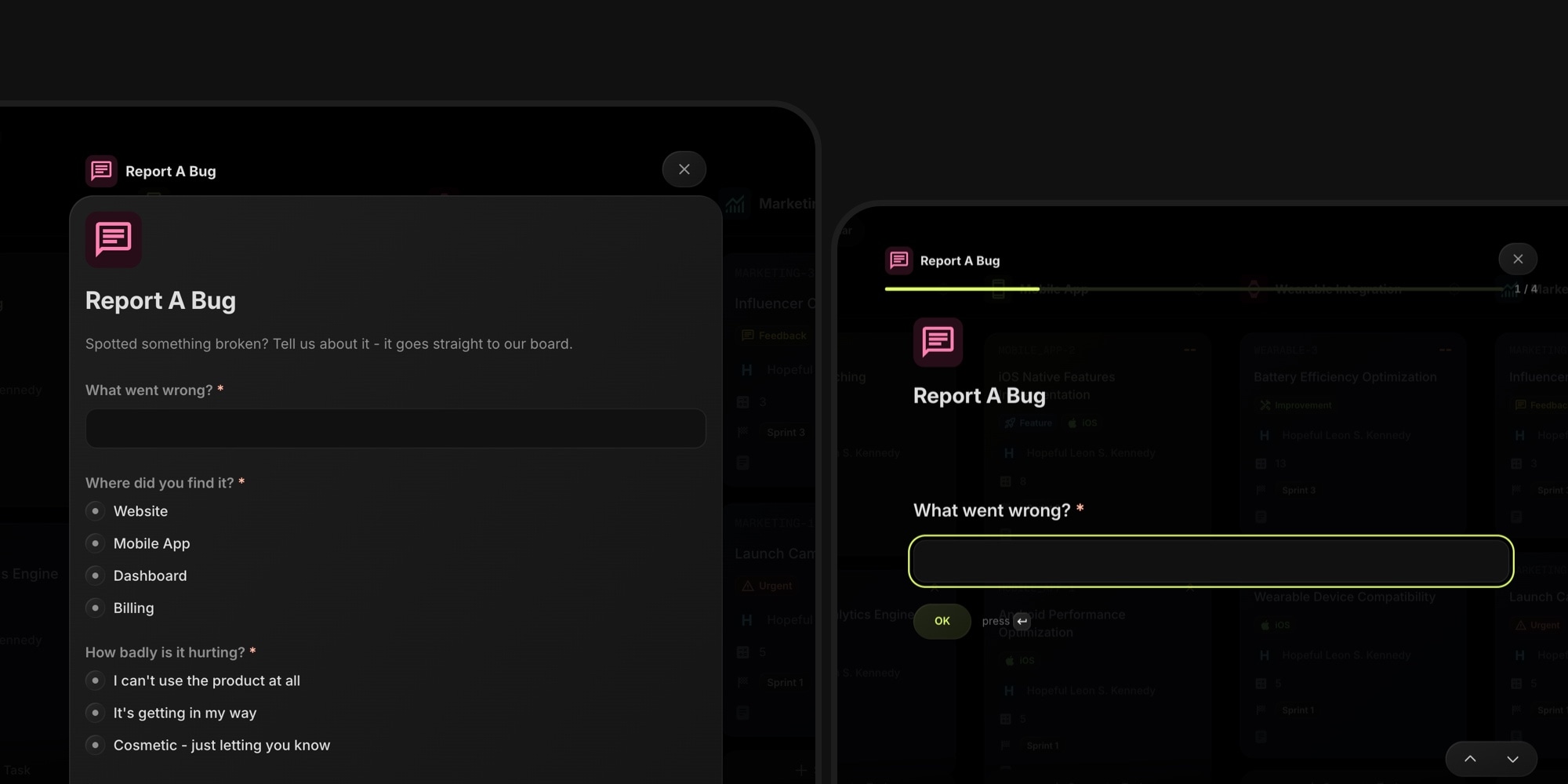
The submit button on your public board can now open one of your Board Forms instead of the free-form task editor. Visitors fill in a structured form in a popup right on the board - no account, no redirect, no sign-in wall.
#How It Works
- Pick a form: in Board Settings → Visibility → Public Tasks, set Button Opens to Form and choose one of the board's forms
- No sign-in required: anonymous visitors submit through the form's own protection - invisible bot check or a verified email code; signed-in visitors and guests are attributed automatically
- The full forms pipeline applies: field mapping routes answers into the task, file uploads work, and the approval queue reviews what lands on the board
- Both layouts: classic single-card, or the interactive one-question-per-screen flow, in a popup that matches your board appearance
- Safe fallback: if the form is disabled or deleted, the button falls back to the built-in task editor, so intake never stops
Until now, collecting feedback on a public board meant asking visitors to sign in first - a real barrier for feature requests and bug reports from your community. With a form behind the button, anyone can contribute in seconds, and every submission arrives already routed to the right project, tags, and priority.
#Getting Started
- Open Board Settings → Visibility and enable Public Tasks
- Set Button Opens to Form and pick a form (or create one)
- Visit your public board and try the button yourself
Read the Public Tasks docs or the Share Form docs