- Dashboard
- Workspace
- Projects
- Board Settings
- Project Settings
- Tasks
- Create Task
- Edit Task
- Change Status
- Order Tasks
- Subtasks
- Task Dependencies
- Milestones
- Pin To Top
- Task Templates
- Duplicate Task
- Move To Board
- Create Note From Task
- Archive Task
- Unarchive Task
- Delete Task
- Task Updates History
- Reminders
- Time Tracking
- AI Tasks
- Export Task
- Share Task
- Import Multiple Tasks
- Export Multiple Tasks
- Notes
- Forms
- Comments
- Text Editor
- Account
- MCP Server
- t0ggles Crew
Share Form
Every form has a unique public URL. Share it in an email signature, a website footer, a Slack channel, a README - anywhere requests come from.
#Copy the Form Link
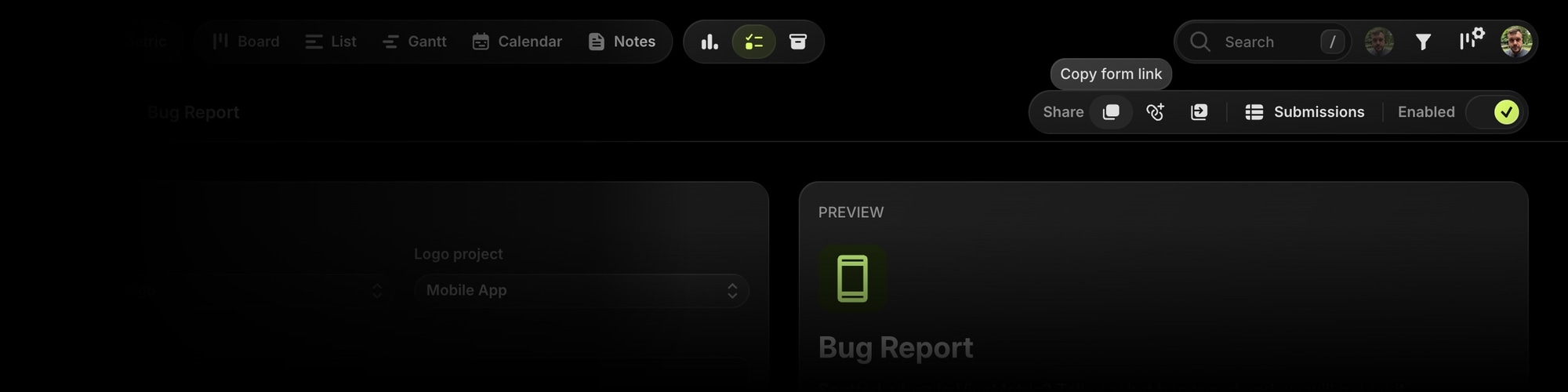
- In the forms list, click the copy-link button on a form row.
- In the form builder, use the Share toolbar: copy the link, build a prefill link, or open the public form in a new tab to try it yourself.
The public page renders with your board appearance (or the form's own brand color, if set) and the form's logo, in light and dark mode, and works great on mobile.
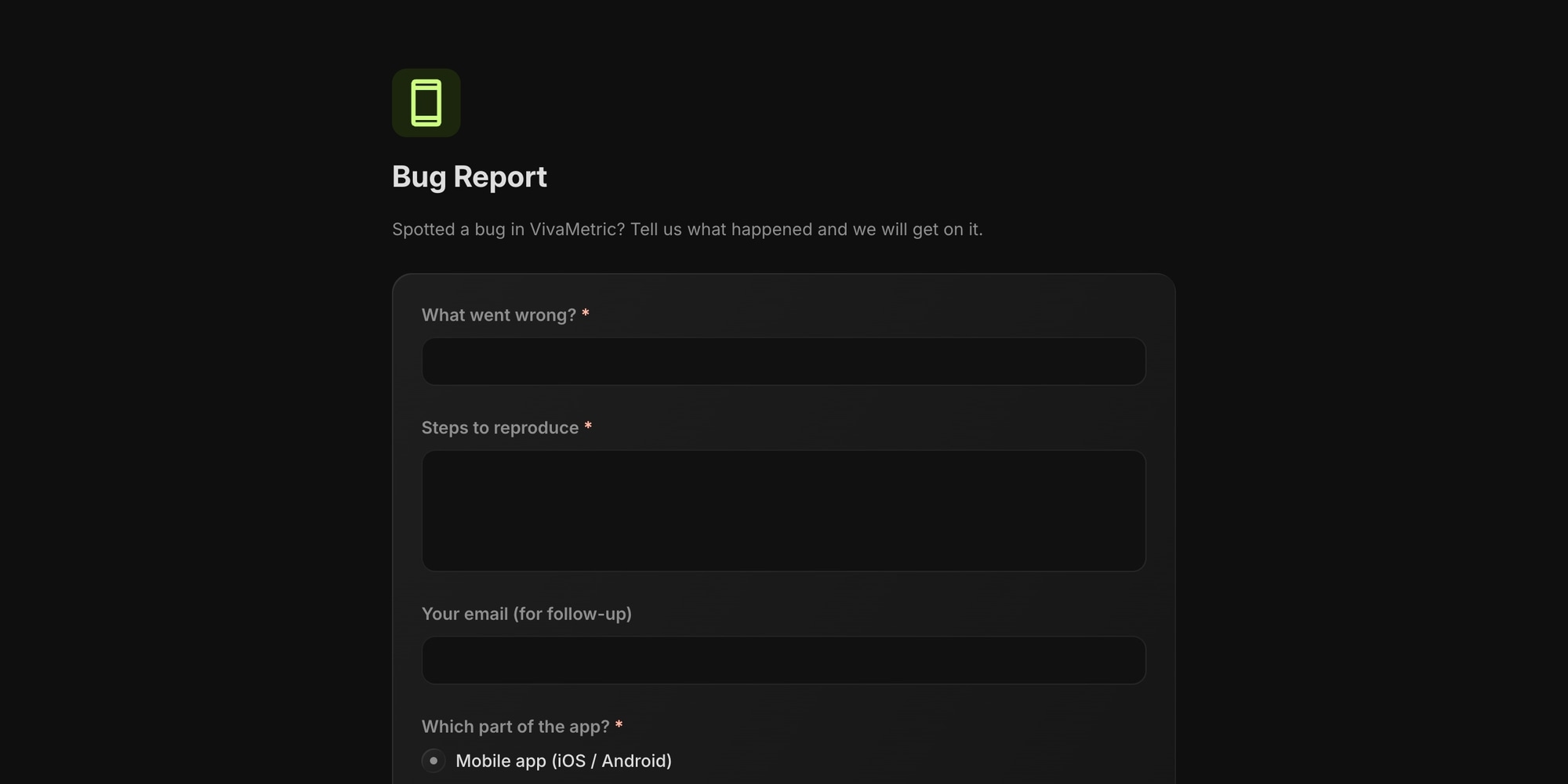
Free plan: public form pages show a "Made with t0ggles" badge. Paid plans remove it.
#Custom Domains
If your board has a custom domain, forms are served from it automatically - requests.yourcompany.com/f/... instead of t0ggles.com/f/.... The share and copy-link buttons always give you the right URL.
#Prefill Links
A prefill link opens the form with some answers already filled in - perfect for personalized intake links from a CRM, an email campaign, or another app.
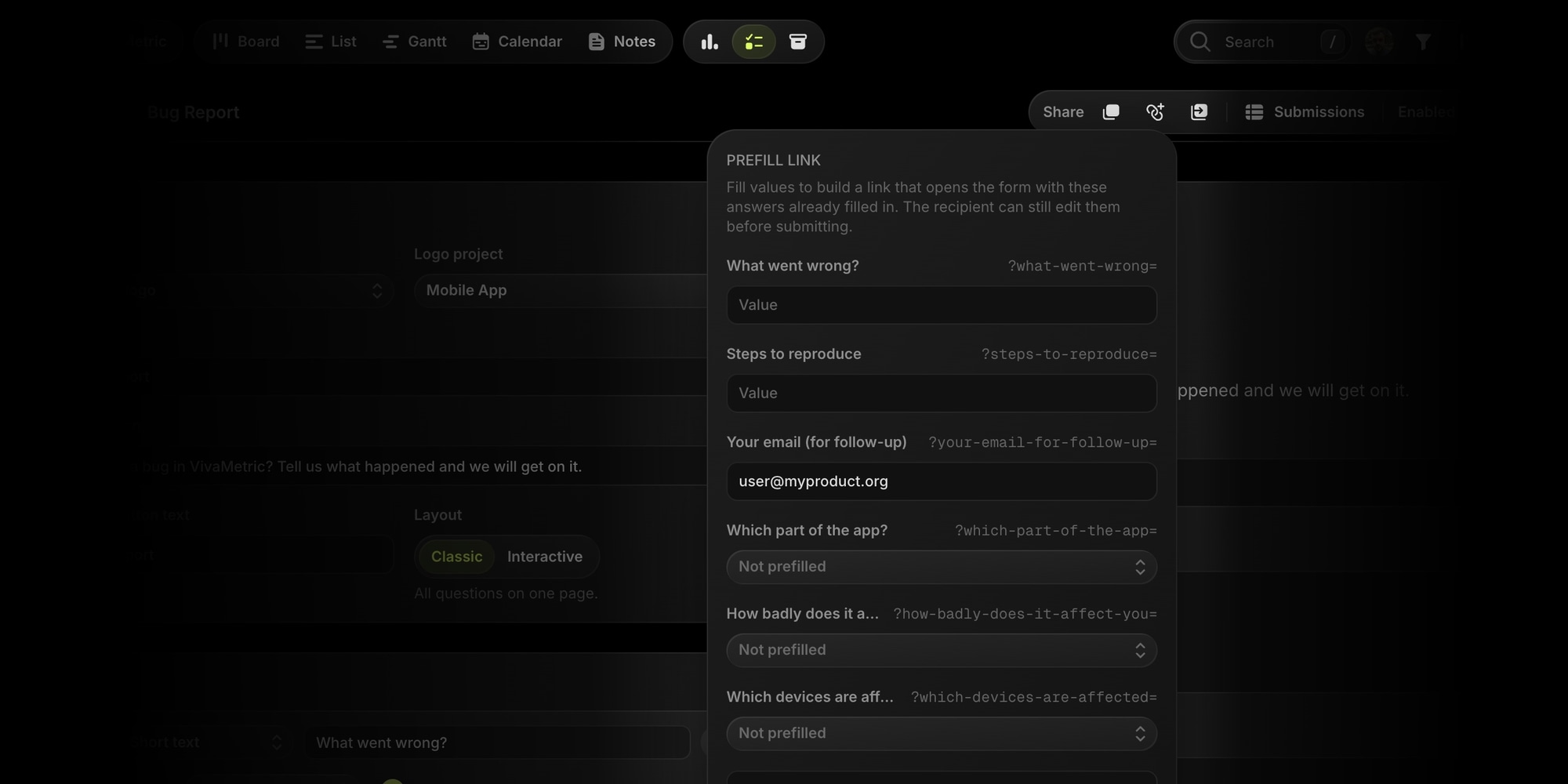
- In the form builder, click the Prefill link button in the Share toolbar.
- Enter sample values for any fields you want prefilled.
- Copy the assembled URL from the bottom of the popover.
Prefilled values are only a starting point: the recipient can edit everything before submitting, invalid values are silently ignored, and file fields can't be prefilled. Building links programmatically? Each field's query parameter name is shown right in the popover. Hidden fields are filled the same way, except the recipient never sees them.
#Prefill the Verification Email
For forms with the Verified email access mode, add verify-email to fill in the email on the verification step - handy when you send people over from another app that already knows who they are:
https://t0ggles.com/f/your-form?verify-email=jane@example.com
The popover shows a Verification email input for these forms. If the link prefills an email question instead (say ?email=jane@example.com), that address is used for verification too. Either way it's only a starting point: the visitor can change it, and still has to enter the 6-digit code sent to that address before submitting.
#Public Board Submit Button
If your board is public (or has guest users), you don't need to send visitors anywhere - the board's own submit button can open a form directly, in a popup over the board.
In Board Settings → Visibility → Public Tasks, set Button Opens to Form and pick one of the board's forms. Visitors click the button (default: "Suggest a Task"), fill in the form without leaving the board, and the submission flows through the form's usual pipeline - field mapping, approval queue, submitter messaging.
Only forms with Public or Verified email access modes can be selected - a members-only form doesn't make sense behind a public button. If the selected form is later disabled or deleted, the button falls back to the built-in task editor, so intake never stops.
See the Board Visibility docs for the full picture.