- Dashboard
- Workspace
- Projects
- Board Settings
- Project Settings
- Tasks
- Create Task
- Edit Task
- Change Status
- Order Tasks
- Subtasks
- Task Dependencies
- Milestones
- Pin To Top
- Task Templates
- Duplicate Task
- Move To Board
- Create Note From Task
- Archive Task
- Unarchive Task
- Delete Task
- Task Updates History
- Reminders
- Time Tracking
- AI Tasks
- Export Task
- Share Task
- Import Multiple Tasks
- Export Multiple Tasks
- Notes
- Forms
- Comments
- Text Editor
- Account
- MCP Server
- t0ggles Crew
Project AI Context
To manage AI Context in your project settings:
-
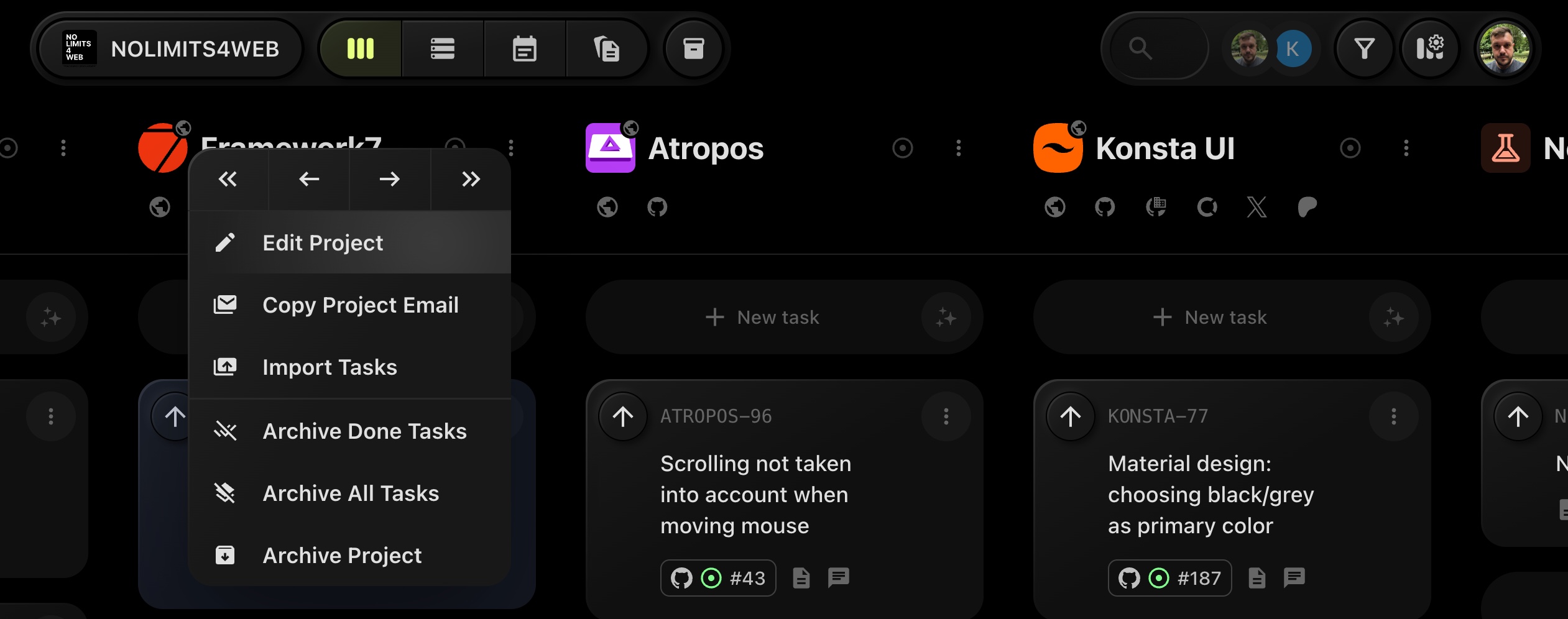
Open the project settings by clicking the three dots (⁝) next to the project name and selecting Edit Project.
-
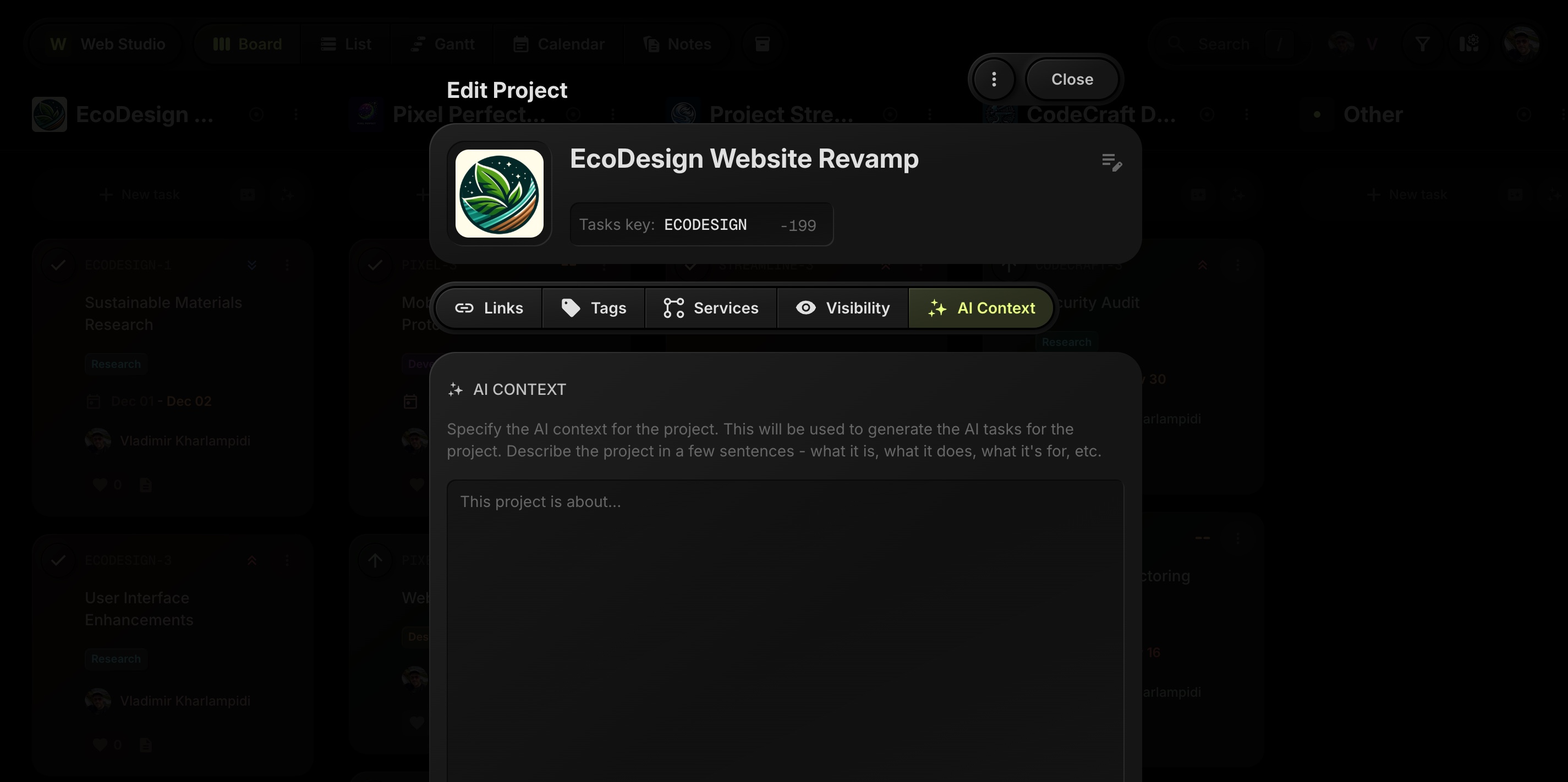
In the settings modal, navigate to the AI Context tab.
-
In the AI Context tab, describe the project in a few sentences. This text is used as additional context when you generate tasks with AI Tasks for this project. You can include for example:
- What the project is about and its main goals.
- The type of work you usually create tasks for (design, development, marketing, etc.).
- Important constraints, tools, conventions, or definitions the AI should be aware of (e.g. target audience, tone of voice, technologies used).
-
The AI context is saved automatically. Any future AI-generated tasks for this project will use this description as extra context to produce more relevant task titles, descriptions, and properties.