- Dashboard
- Workspace
- Projects
- Board Settings
- Project Settings
- Tasks
- Create Task
- Edit Task
- Change Status
- Order Tasks
- Subtasks
- Task Dependencies
- Milestones
- Pin To Top
- Task Templates
- Duplicate Task
- Move To Board
- Create Note From Task
- Archive Task
- Unarchive Task
- Delete Task
- Task Updates History
- Reminders
- Time Tracking
- AI Tasks
- Export Task
- Share Task
- Import Multiple Tasks
- Export Multiple Tasks
- Notes
- Forms
- Comments
- Text Editor
- Account
- MCP Server
- t0ggles Crew
Form Fields
Fields are the questions of your form. Add them in the Fields section of the form builder, drag the handle to reorder, and watch the live preview update as you type.
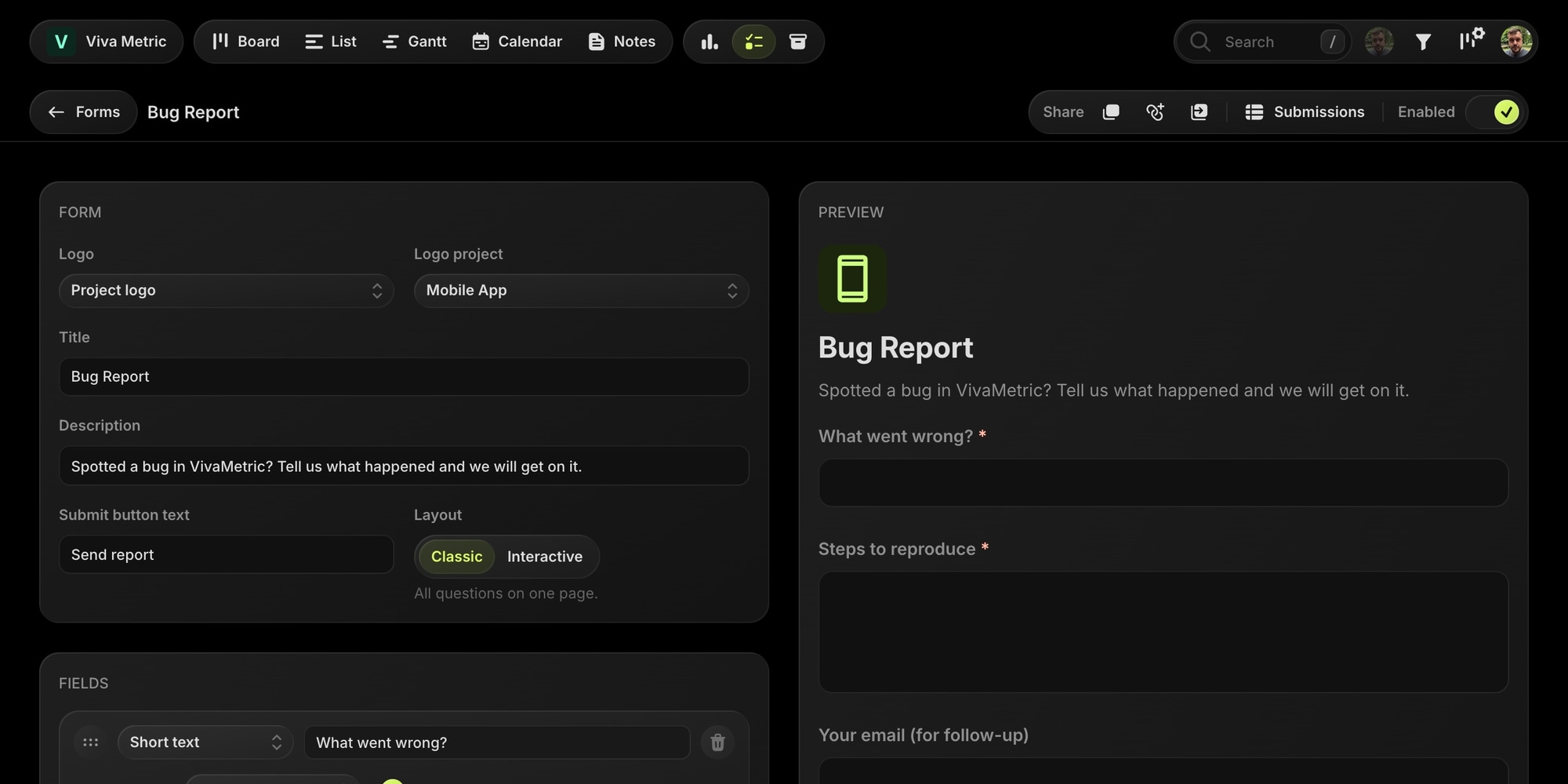
Each field has a label, a Required toggle, an optional mapping that routes the answer into a task field, and a Show when setting for conditional branching - hide the field until an earlier answer matches.
#Field Types
- Short Text - a single-line text input. A short text field can be mapped to the task title.
- Long Text - a multi-line text area for descriptions and detailed answers.
- Choice - a list of options. Options can be plain labels, or backed by board entities (projects, tags, statuses, priorities, select property options) when the field is mapped - see Field Mapping. Enable Allow multiple to let submitters pick more than one option (available for tags, multi-select properties, and unmapped fields).
- Email - a validated email input.
- Number - a numeric input.
- URL - a validated link input.
- Date - a date picker.
- Checkbox - a single yes/no toggle. The Required toggle doesn't apply here - an unchecked required checkbox could never submit.
- File Upload - lets submitters attach files. See below.
- Hidden - never shown to submitters. Its value comes from the form link or a default value. See below.
#File Uploads
A File Upload field accepts attachments that travel with the submission and get attached to the created task - screenshots are the difference between a usable bug report and a vague one.
- Accepted files - choose a group: Images, Documents, Archives, or Any. On public and verified-email forms only images and documents are allowed, up to 8 MB per file, one file per field.
- Members forms can accept archives and any file type, up to 100 MB per file, and up to 5 files per field.
- A single submission can carry up to 20 files in total.
Uploaded files land in the task as regular attachments. If a submission is declined, its uploads are deleted while the rest of the answers stay on record.
#Hidden Fields
A Hidden field captures context the submitter never has to type: where they came from, which campaign brought them in, or a customer ID from another app.
- From the link - add the field's query parameter to the form URL, like
?source=newsletter. The parameter name is shown right on the field card in the builder (the label in lowercase with dashes, or the field id when two labels collide). - Default value - used when the link carries no value, so a plain link still records something, like
website. - Mapping - map a hidden field to a text custom property to make it filterable on the board, or leave it unmapped to land in the task description.
Hidden fields can't be required or conditional, and a submission made of hidden values alone is rejected - the submitter still has to answer at least one visible question. Use the prefill link builder to assemble links with hidden values.
#Answers Without a Mapping
Every answer that isn't mapped to a task field is written into the created task's description as a structured "label: value" block, so nothing a submitter types is ever lost.