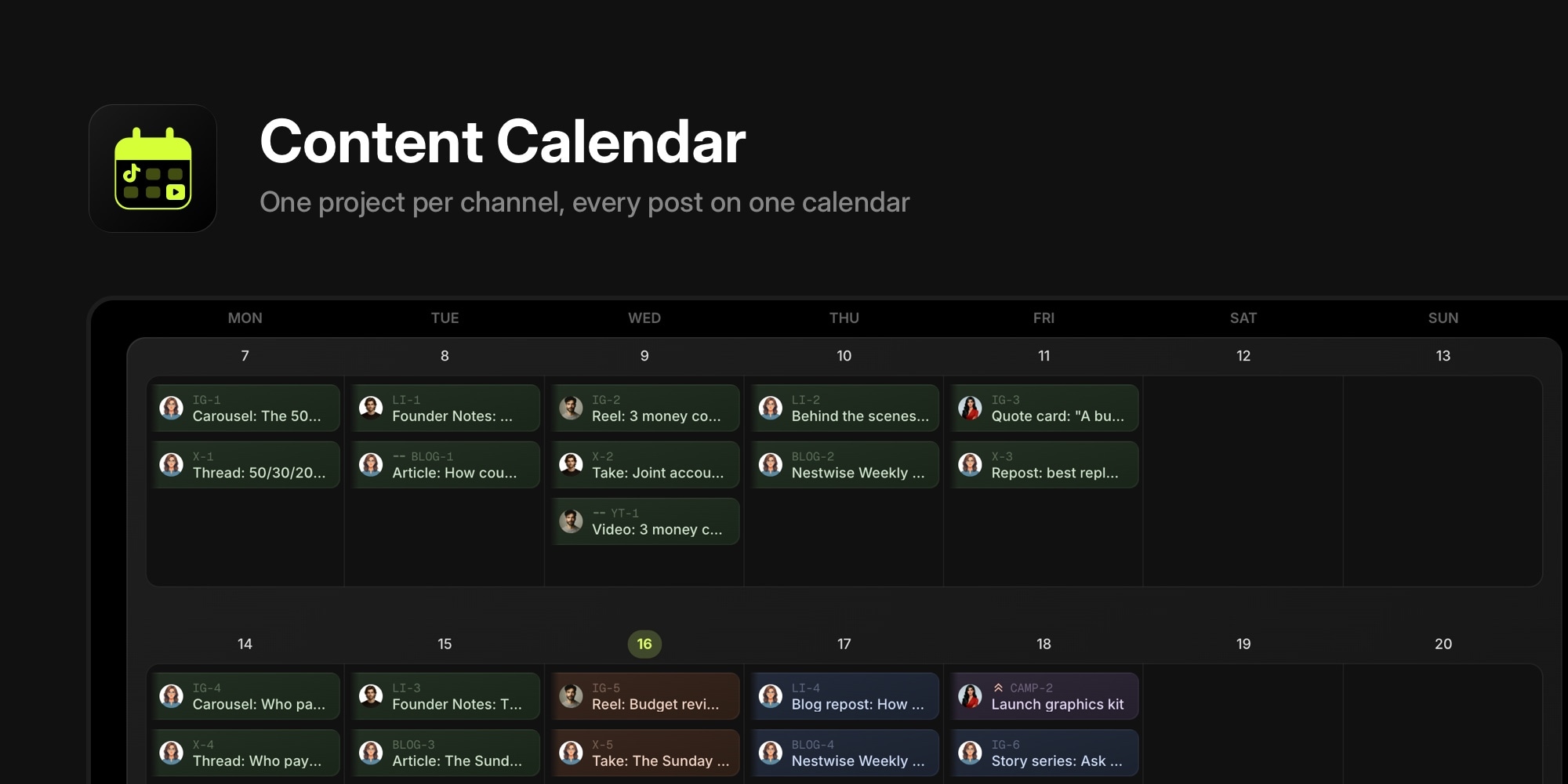
New Board Template: Content Calendar
When we shipped the Daily Standup and Lesson Planner templates last week, we asked which workflow should get a board next. The first answer that came back was a content calendar: editorial planning for social media is a daily need for solo marketers and small agencies, especially with a calendar view and linked tasks. Sprint planning and retrospectives can wait for the software teams.
So here it is. Content Calendar is a board built around the way a small marketing team actually plans a month, with three weeks of realistic posts, the notes that explain the rules, and a template page with the planner and the post brief as plain text.
#One Project Per Channel, One Task Per Post
The template is modeled on a four-person team running the editorial calendar for a budgeting app: a content lead, a designer, a founder who writes the LinkedIn posts, and a video editor. Every channel is a project, and every post is a task with the publish date as its due date.
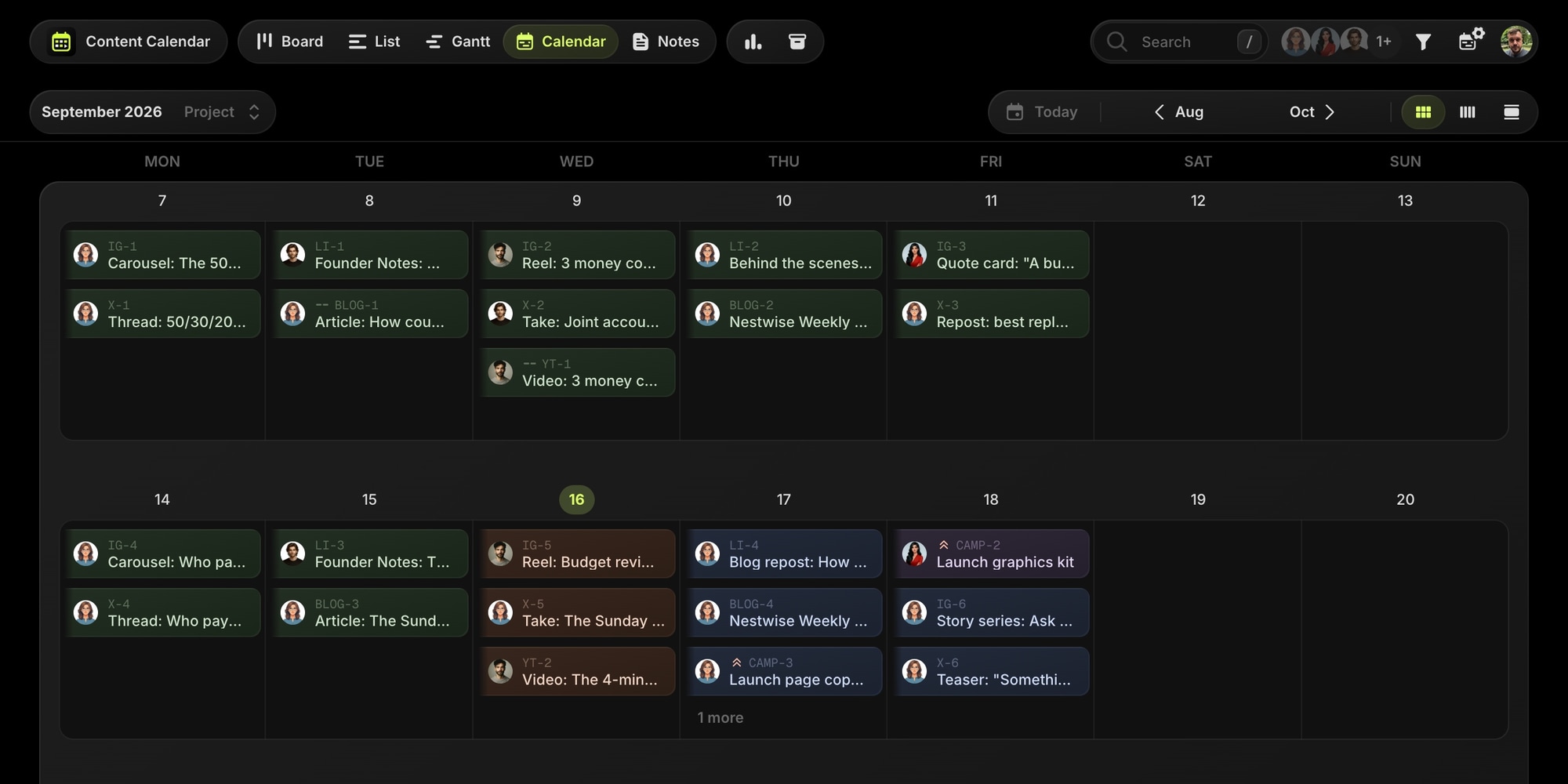
That one decision does most of the work. The board view shows each channel as a column. The calendar view shows every channel on one month, with the project color telling them apart, and rescheduling a post is a drag. A single filter shows one channel alone.
The template ships with:
- Five channel projects: Instagram (Monday carousel, Wednesday reel, Friday quote or stories), LinkedIn (the weekly Founder Notes series plus a Thursday post), X (Monday thread, Wednesday take, Friday repost), Blog & Newsletter (the weekly article and the Thursday issue), and YouTube (one video a week).
- Production statuses that follow a post from Idea through Drafting, Design, and Scheduled to Published. The Design column is the risk list for next week.
- Content Type and Pillar as custom properties, so the monthly mix is one filter away, and a text property for where the copy and assets live.
- Three weeks of content: last week published with results filled in, this week in production, next week planned.
- Five notes: the content pillars with target percentages, the brand voice guide with per-channel rules, hashtag sets, the Friday planning routine, and the post brief template.
#Launches As Milestones
The sample team is launching a feature next week, and the launch is a milestone in a Campaigns project. Every launch-tagged post across every channel belongs to it, so the milestone's progress bar is the launch checklist: the carousel, the founder post, the thread, the launch article, the video, the newsletter issue, and the waitlist email.
Task dependencies capture the production order. The graphics kit has to be done before any launch post can be scheduled. The launch page has to be live before the waitlist email goes out. The YouTube video has to be edited before the reel is cut from it. The Gantt view shows which asset is holding up the most posts.
This is also the first template with a milestone in it. Board templates can now define milestones and link tasks to them, which every campaign-style template from here on will use.
#The Planner You Can Copy
The Content Calendar template page is written so the format is useful without an account. At the top of the page:
- A weekly content calendar as text, one row per channel, one cell per post with its stage.
- The post brief template the board uses in every task: goal, hook, copy, assets, CTA, notes, and a results section to fill in a week later, with the one number that matters per format.
- A YouTube content calendar variant that plans production backwards from the publish date, with the short-form cuts listed under each video.
When the text version stops being enough, because you want every channel on one calendar and the campaign checklist in one place, the board is one click away. It fits inside the free plan: no card, no trial clock.
#Getting Started
- Open the templates catalog and pick Content Calendar, or go straight to the demo board.
- Create a new board and choose the template. The template page links directly to board creation with the template preselected.
- Rename the channel projects to match yours, delete the ones you do not publish on, and add TikTok or a podcast if you do.
- Keep the sample content for a week as a reference, then replace it with your own posts.
Thanks to everyone who told us what to build next. Sprint planning and retrospectives are still on the list. If there is a workflow you would use before those, tell us in feature requests.
Don't Miss What's Next
Get updates, design tips, and sneak peeks at upcoming features delivered straight to your inbox.